
Construction missions
RC excavator & dump truck
play ideas
Build a loading-and-delivery story with RC excavators and a dump truck. Compare BC1061 motion control, YLJ01 attachment choices and YLJ02 tipping, then select the exact boxes for your play area or retail demo.
Real actions
Explore every filmed move
Movement, controls and details from the supplier demonstrations. Each clip names the filmed color and matching configuration; the scene and play missions below are illustrations and suggestions.
BC1061
5 demonstrations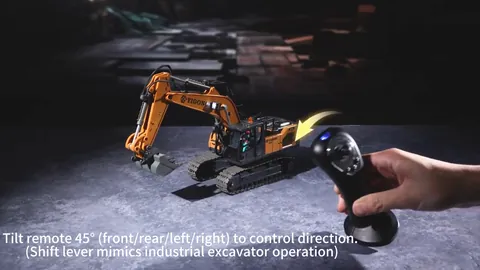
Supplier demonstration · BC1061
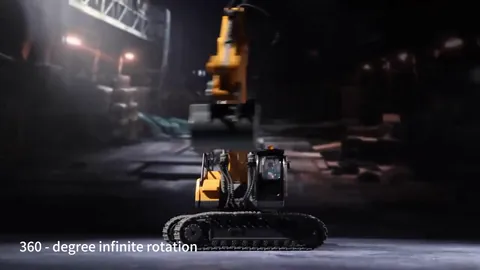
Supplier demonstration · BC1061
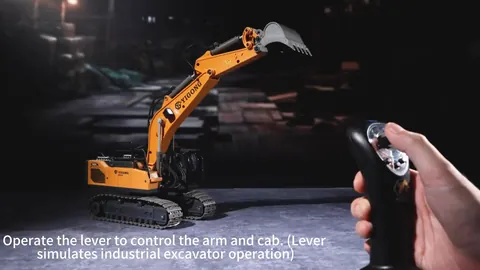
Supplier demonstration · BC1061
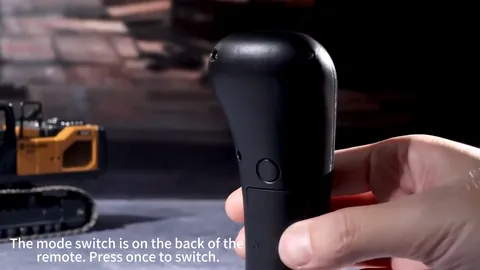
Supplier demonstration · BC1061
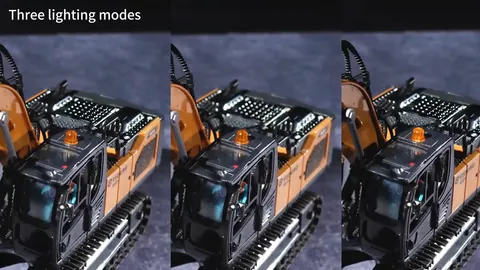
Supplier demonstration · BC1061
YLJ01
5 demonstrations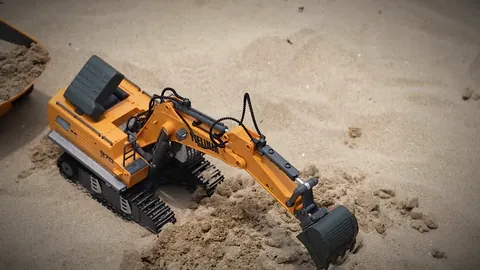
Supplier demonstration · YLJ01
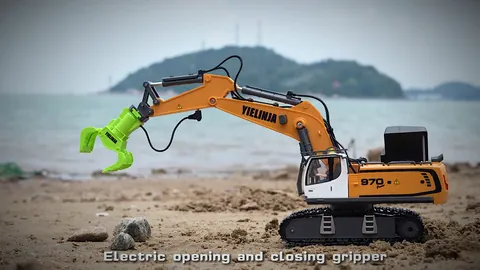
Supplier demonstration · YLJ01
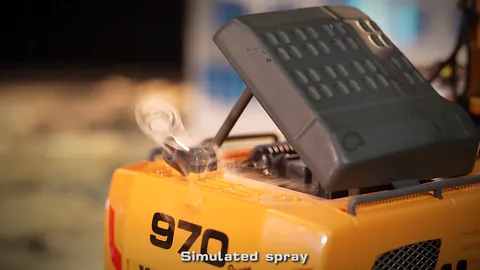
Supplier demonstration · YLJ01
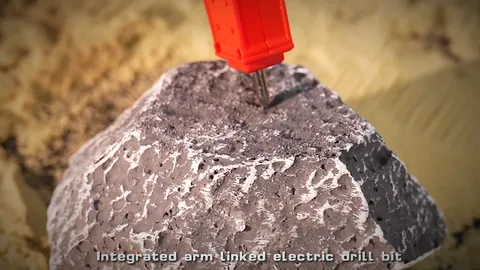
Supplier demonstration · YLJ01
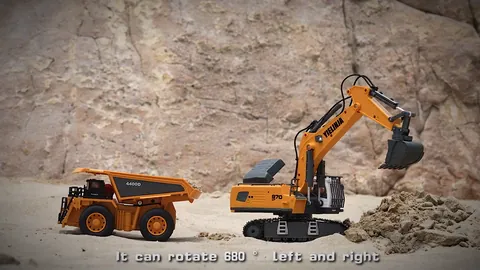
Supplier demonstration · YLJ01
YLJ02
4 demonstrations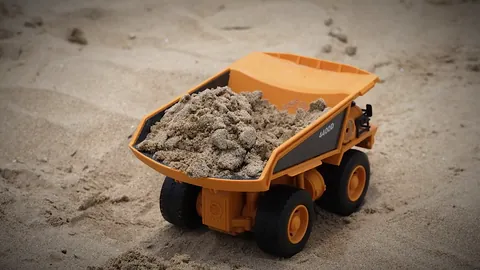
Supplier demonstration · YLJ02
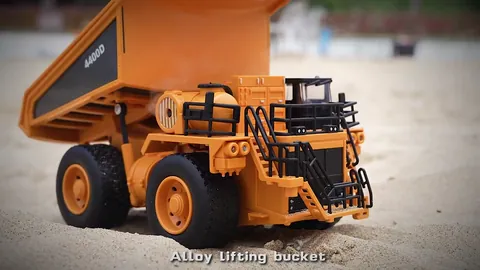
Supplier demonstration · YLJ02
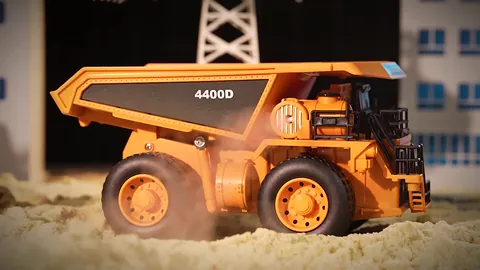
Supplier demonstration · YLJ02
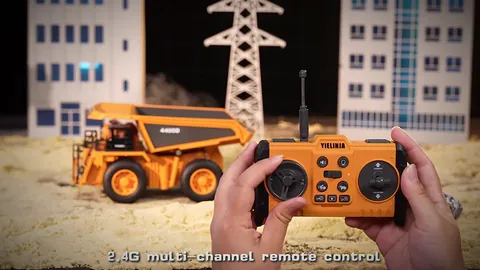
Supplier demonstration · YLJ02
Silent clips load when you press play. A repeated excerpt shows a visible action, rather than a measurement of speed, slope, capacity or operating time.
Give each construction toy a clear job
For an RC construction toy display, choose the excavator by its controls and attachments, then choose the dump truck for carrying and tipping. BC1061 combines handheld motion sensing and joystick control. YLJ01 offers bucket, drill and grapple configurations. YLJ02 provides the tipping-truck role. Each is selected separately; this scene is not a packaged three-vehicle set.
BC1061 footage shows a handheld controller being tilted to steer. YLJ01 shows the bucket reaching down and curling inward. YLJ02 shows its load bed lifting to release sand. These are separate supplier clips; the proposed shared worksite below is a play idea, rather than a filmed test of the three vehicles working together.
A loading-to-delivery demo sequence
Use this sequence to explain the roles at home or plan a retail demonstration. Start with one vehicle at a time, a clear level surface and two flat markers. Follow the selected model's manual for charging, materials, attachment changes and controls.
- Introduce the control. Show BC1061's handheld controller and identify the motion and joystick modes using its manual. For YLJ01 or YLJ02, identify the supplied remote and the selected configuration before moving.
- Reach at the loading bay. Use BC1061 or a bucket-equipped YLJ01 to show the arm and bucket movement. Choose the material and operating method from that model's instructions; a visible digging action is not a load-rating test.
- Carry the story forward. Drive YLJ02 along the open route to the delivery marker. Leave room around the bed, stop, and demonstrate its remote-controlled tipping action.
- Change one choice. Move the delivery marker or compare a different YLJ01 attachment. Explain whether mist is included in that exact box before showing an effect.
The sequence is a suggested activity, not a recorded multi-vehicle trial. Simultaneous pairing, suitable materials and any lifting or carrying limits need to be checked with the supplied instructions and samples.
BC1061 vs YLJ01: controls, tools and truck role
Swipe or scroll to compare all columns.
| Model | Control and action | Configuration choice |
|---|---|---|
| BC1061 excavator | Motion sensing and joystick control in one configuration; working arm and alloy bucket. The motion controller is hand-held. | Choose BC1061 when the controller itself is part of the demonstration. It is not a wrist-worn gesture-watch bundle; see the BC1061 control guide. |
| YLJ01 excavator | 2.4GHz remote control; digging and unloading with the bucket. Drill and grapple are separate attachment choices. | Choose the attachment package first, then no mist or mist. The standard bucket box does not contain every tool pictured for the family. |
| YLJ02 dump truck | 2.4GHz remote control; driving, steering and an alloy load bed with remote-controlled tipping. | YLJ02 has no mist; YLJ02P adds the water-mist effect. Neither is an excavator. |
Choose the exact YLJ01 attachment package
Every configuration below includes the bucket. Choose the extra tools and the mist option independently:
- Bucket only: YLJ01, no mist or YLJ01P, mist.
- Bucket + drill: YLJ01-D, no mist or YLJ01P-D, mist.
- Bucket + grapple: YLJ01-G, no mist or YLJ01P-G, mist.
- Bucket + drill + grapple: YLJ01-DG, no mist or YLJ01P-DG, mist.
Mist is a visual effect. It does not establish waterproofing or permission to drive in water. Attachment demonstrations do not establish cutting, drilling or lifting performance for a particular material.
Battery and packaging: listed base specifications
These figures come from the current catalog records for BC1061, YLJ01 standard bucket/no mist and YLJ02 no mist, reviewed on 27 October 2026. They are listed specifications, not MaxTrek runtime or charging tests. Confirm the selected configuration and final packing before ordering.
Swipe or scroll to compare all columns.
| Listed specification | BC1061 | YLJ01 | YLJ02 |
|---|---|---|---|
| Vehicle battery | 3.7V 1200mAh 18650 Li-ion | 3.7V 1200mAh 18650 Li-ion | 3.7V 500mAh 14500 Li-ion |
| Play / charge time | About 40 / 120 min | About 60 / 180 min | About 40 / 180 min |
| Retail box | Confirm for the selected order | 35.5 × 13 × 16.5 | 25.5 × 11 × 15 |
| Carton quantity | 24 pcs | 24 pcs large / 12 pcs small carton | 36 pcs large / 24 pcs small carton |
| Listed age | 6+ | 6+ | 6+ |
All three base package lists include the vehicle, remote, one rechargeable vehicle battery, USB charging cable, screwdriver and manual. YLJ01 and YLJ02 also list a remote strap; their remotes require two AA batteries, not included. Check the selected model's instructions for battery use and charging.
For a sample, check the SKU on the order against the actual controller, attachments, battery label, charging instructions and box contents. Confirm the box and carton, manual language and documents needed for your destination market. A catalog specification or listed age is not a substitute for the applicable market documents.
Questions before choosing
Which excavator should I choose for the demonstration?
Choose BC1061 to explain handheld motion and joystick operation. Choose a YLJ01 configuration to focus on bucket, drill or grapple selection. Add YLJ02 when the story needs a driving and tipping role. Compare the actual samples before deciding which belongs in your range.
Does this activity need every attachment?
No. The bucket and tipping-bed actions give the basic story two clear jobs. A drill or grapple changes the scene only when that attachment is included in the chosen configuration.
Do these clips establish capacity, runtime or scale?
No. The clips show selected movements. The operating times above are catalog figures, and the guide makes no payload or scale claim. Ask about the exact model and configuration when you need purchasing details.
Sources: supplier product footage and BC1061 model information, YLJ01 model information, YLJ02 model information. Reviewed . Play ideas are suggestions; follow the supplied manual.