
Transformations & stunts
Transforming RC cars:
actions and controls
TCS40 changes posture, TCS09 performs upright stunts, and TCS17 moves its wheel groups. Match each action to the right model, then compare gamepad-only and gamepad-plus-watch boxes for a clear demonstration.
See the actionsReal actions
Explore every filmed move
Movement, controls and details from the supplier demonstrations. Each clip names the filmed color and matching configuration; the scene and play missions below are illustrations and suggestions.
TCS40
5 demonstrations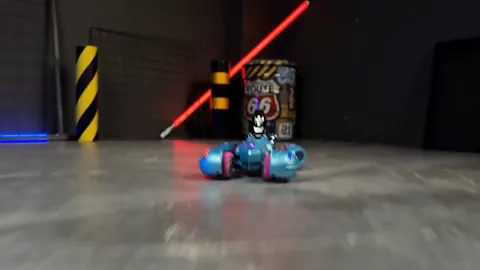
Supplier demonstration · TCS40
Supplier demonstration · TCS40
Supplier demonstration · TCS40
Supplier demonstration · TCS40
Supplier demonstration · TCS40
TCS09
4 demonstrations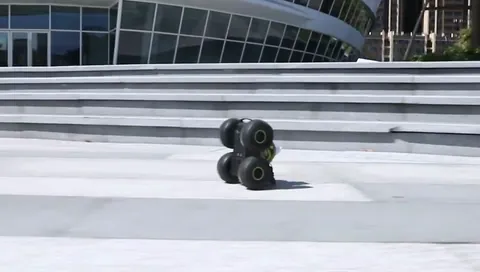
Supplier demonstration · TCS09
Supplier demonstration · TCS09
Supplier demonstration · TCS09
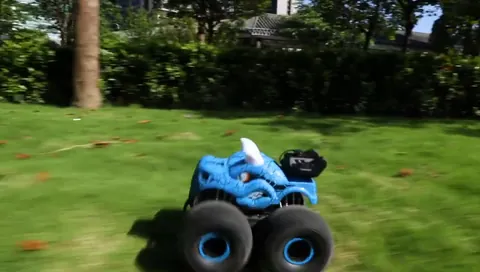
Supplier demonstration · TCS09
TCS17
4 demonstrations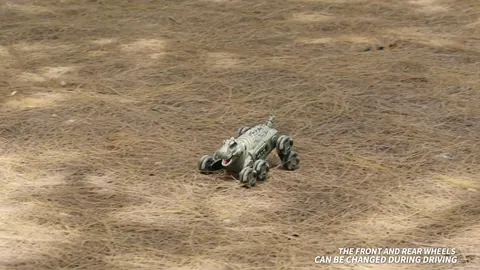
Supplier demonstration · TCS17
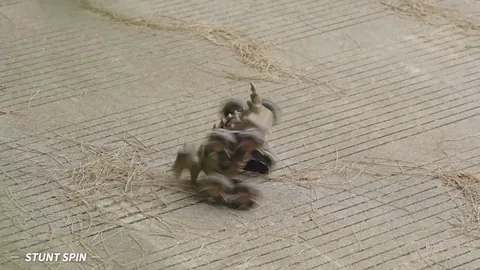
Supplier demonstration · TCS17
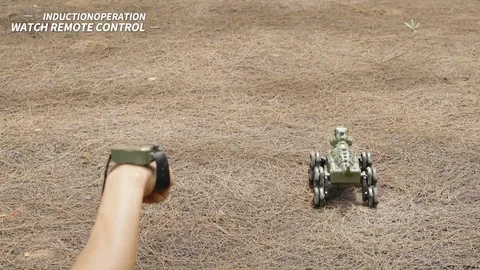
Supplier demonstration · TCS17
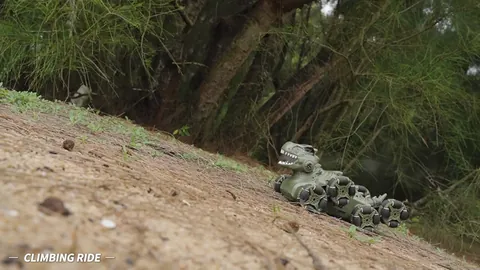
Supplier demonstration · TCS17
Silent clips load when you press play. A repeated excerpt shows a visible action, rather than a measurement of speed, slope, capacity or operating time.
Look for a different action on each model
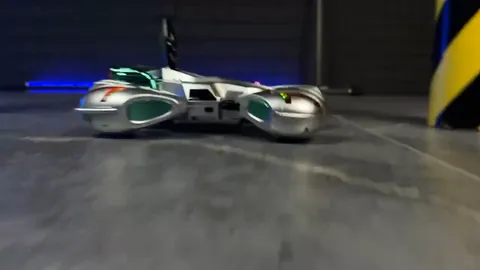
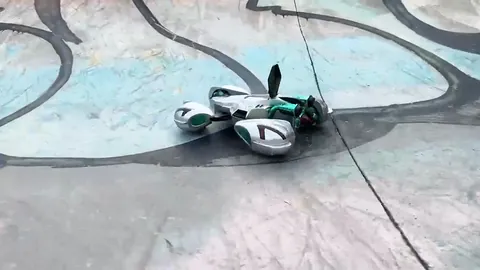
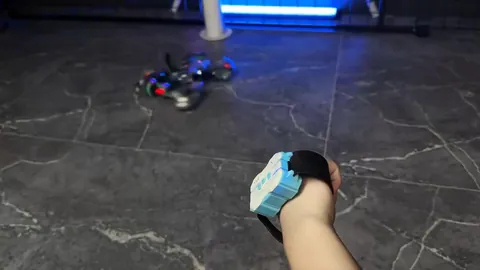
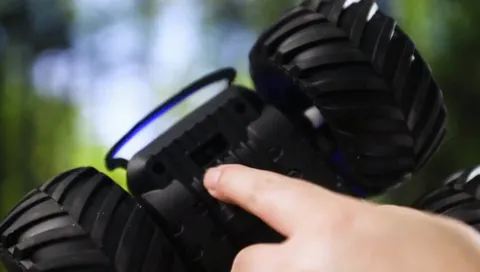
The blue TCS40 clip shows the car opening into a flatter posture and rotating. The green TCS09 clip shows an upright position with rotation. The green TCS17 clip shows its wheel groups moving between high and low positions. The clips focus on these actions; a hand controller or gesture watch may be outside the shot.
TCS40 also lists sideways driving, which is distinct from turning.
Play idea: pose, turn and park
- Mark an open starting area and a roomy parking box on a suitable level surface.
- Choose one action from the model's supplied manual: a posture change, an upright stunt or a wheel-position change.
- Pause to compare the new shape, then return to driving and aim for the parking box.
- Take turns describing what changed. Give the action room rather than adding higher obstacles.
This is a game proposal. The supplied manual determines the buttons, operating surface and preparations for your chosen model.
Gamepad or gamepad plus gesture watch?
For TCS17 and TCS40, SINGLE means a gamepad configuration; DUAL includes the gamepad and adds a gesture watch. The watch does not replace the gamepad. Choose the model for its action, then choose the controller bundle and color. A shared car body in a video does not prove which controllers are in a particular box.
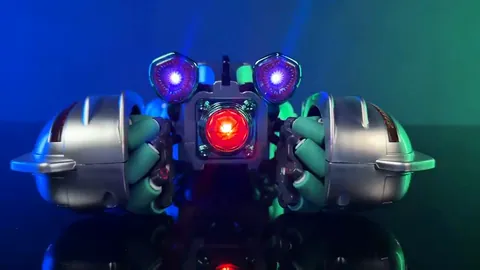
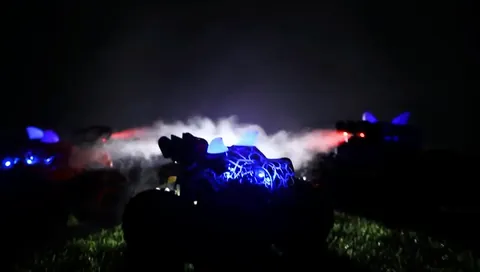
TCS17 has an eight-wheel chassis with wheel-position changes, dinosaur styling and water mist. TCS40 has robot-style posture changes, sideways driving and rotation, lights and sound.
Swipe or scroll to compare all columns.
| Model | SINGLE: gamepad | DUAL: gamepad + gesture watch |
|---|---|---|
| TCS17 | Forest green: TCS17-GN-SINGLE Coffee brown: TCS17-BR-SINGLE | Forest green: TCS17-GN-DUAL Coffee brown: TCS17-BR-DUAL |
| TCS40 | Sky blue: TCS40-BL-SINGLE Space silver: TCS40-SV-SINGLE | Sky blue: TCS40-BL-DUAL Space silver: TCS40-SV-DUAL |
Both bundle types list the vehicle, gamepad remote, one rechargeable vehicle battery, USB cable, screwdriver and manual. DUAL adds one gesture watch. TCS17 also lists a water filler for its mist effect. The TCS40 listing specifies two AA batteries for the gamepad and two AAA batteries for the watch, not included; confirm charging and controller-battery needs for the exact sample.
TCS09 in green provides the upright stunt shown above, with mist, lights and dinosaur sounds. Its listed box has a remote controller and no gesture watch. Water mist on TCS09 or TCS17 is a visual effect, not evidence of amphibious driving or a water-jet function.
How TCS53 and BC1061 differ
If you want to compare more controller types, TCS53 has four bundles. The links below select blue examples; other listed colors are chosen on the model page. These TCS53 names are separate from the TCS17/TCS40 SINGLE and DUAL labels.
Swipe or scroll to compare all columns.
| Blue example SKU | Included controller choice | Gesture watch |
|---|---|---|
| TCS53-BL-P | Proportional pistol | Not included |
| TCS53-BL-PG | Pistol + gesture watch | Included alongside the pistol controller |
| TCS53-BL-W | Waterproof gamepad | Not included |
| TCS53-BL-WG | Waterproof gamepad + gesture watch | Included alongside the gamepad |
The waterproof-gamepad description belongs to the W and WG selections. It does not describe the pistol or establish that every included controller is waterproof. See the water effects and amphibious-car guide for the distinction between mist, water jets and driving in water.
BC1061 uses a hand-held motion-sensing and joystick controller for an excavator. It is a different control format from a wrist-worn gesture watch and is not a TCS17/TCS40 DUAL alternative.
Questions before choosing
Does every transforming car include a watch?
No. TCS17 and TCS40 DUAL boxes add the watch to the gamepad; SINGLE boxes have the gamepad only. For TCS53, PG and WG include a watch, while P and W do not. TCS09 does not list a watch.
Does DUAL mean two people can steer at once?
This guide uses DUAL to describe the listed controller bundle. It does not establish simultaneous control by two people. Follow the supplied manual for pairing, mode selection and operation.
Do the loops prove continuous, unlimited rotation?
No. A short repeated clip shows a selected action. Its restart is an edit for viewing, not a measurement of operating duration or mechanical limits.
Plan the demo and check the sample
- Name the model and bundle. Show the SKU and actual controllers before demonstrating the chassis. Start with the gamepad on TCS17 or TCS40; add a watch demonstration only when it is included and prepared according to the manual.
- Show one distinguishing move. Use a suitable clear surface to demonstrate the posture change, sideways movement or upright stunt described for that model. Let the vehicle stop before explaining the next action.
- Compare box contents. Check controller type, watch inclusion, vehicle battery, cable, manual and any water filler against the selected SKU. Confirm labels and instructions for the destination market.
- Prepare an accurate request. Send the model, color, controller bundle, quantity, market and packaging needs. Use the linked product selection for current specifications and pricing; sample approval should cover the actual bundle you will order.
The supplier clips illustrate selected movements. This guide's comparison is a catalog and footage review, not a response-time, durability or multi-controller test.
Sources: supplier product footage and TCS40 model information, TCS09 model information, TCS17 model information, TCS53 controller configurations and BC1061 controller information. Reviewed . Play ideas are suggestions; follow the supplied manual.